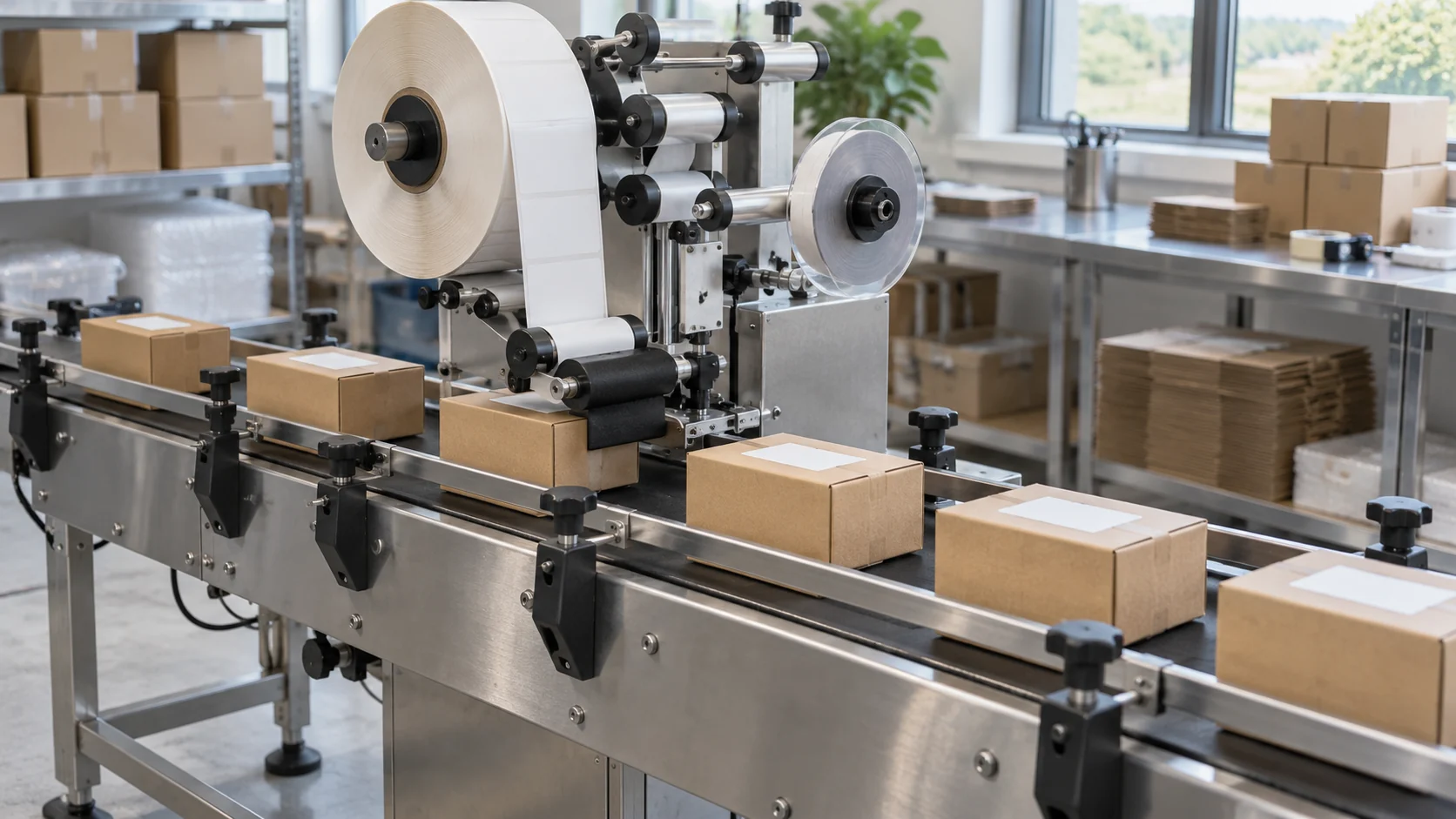
A label can sit straight on the wrong product. A small-batch labeling workstation needs repeatable positioning and a separate check that the label belongs to the current job.
Choose the applicator around the package geometry and actual label stock. Use a fixture or guides to make placement repeatable, then approve a first piece against the job’s artwork and placement reference. Record clearance and setup for every change, including jobs that reuse the same container.
Separate flat products from containers that roll
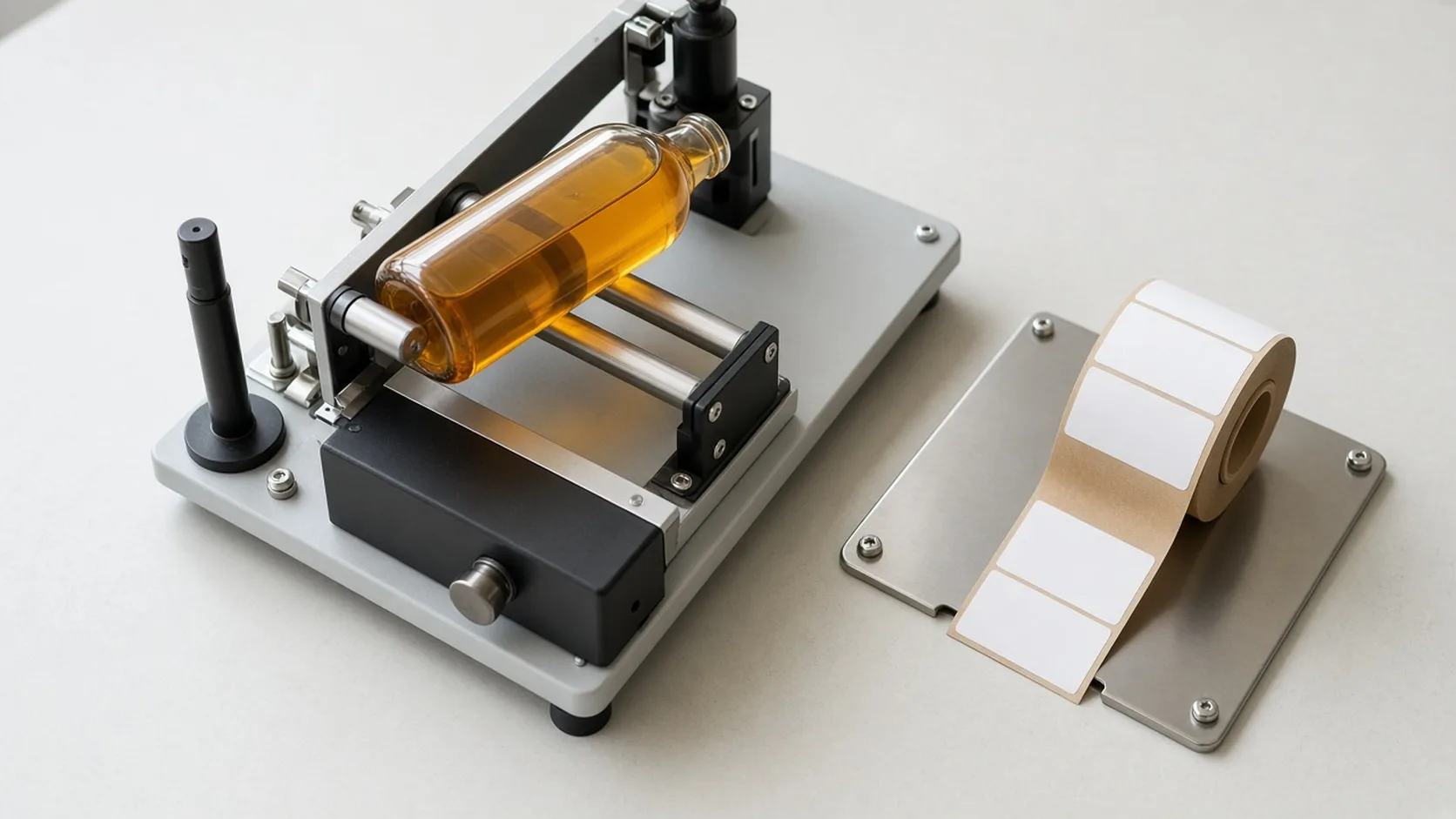
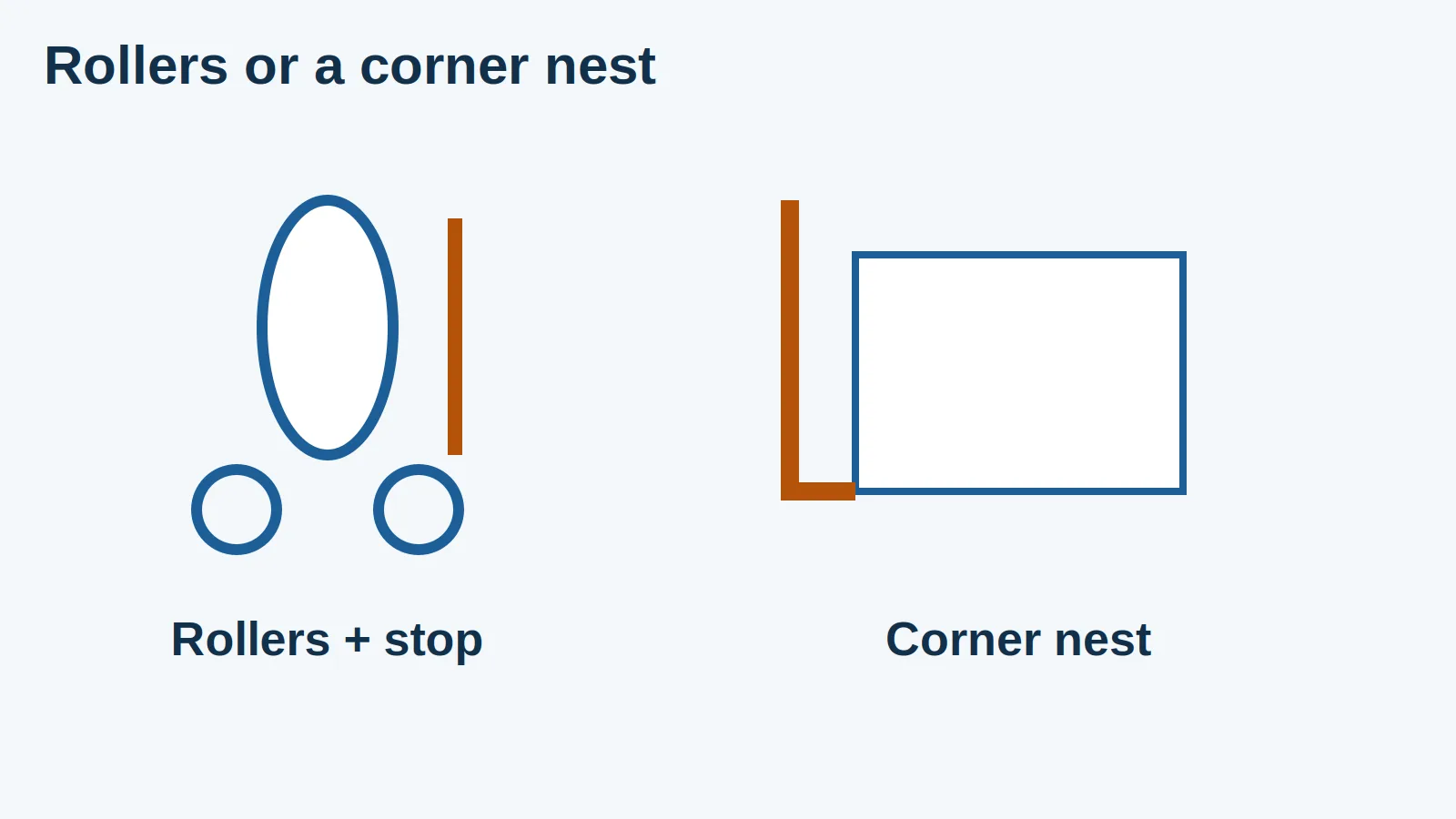
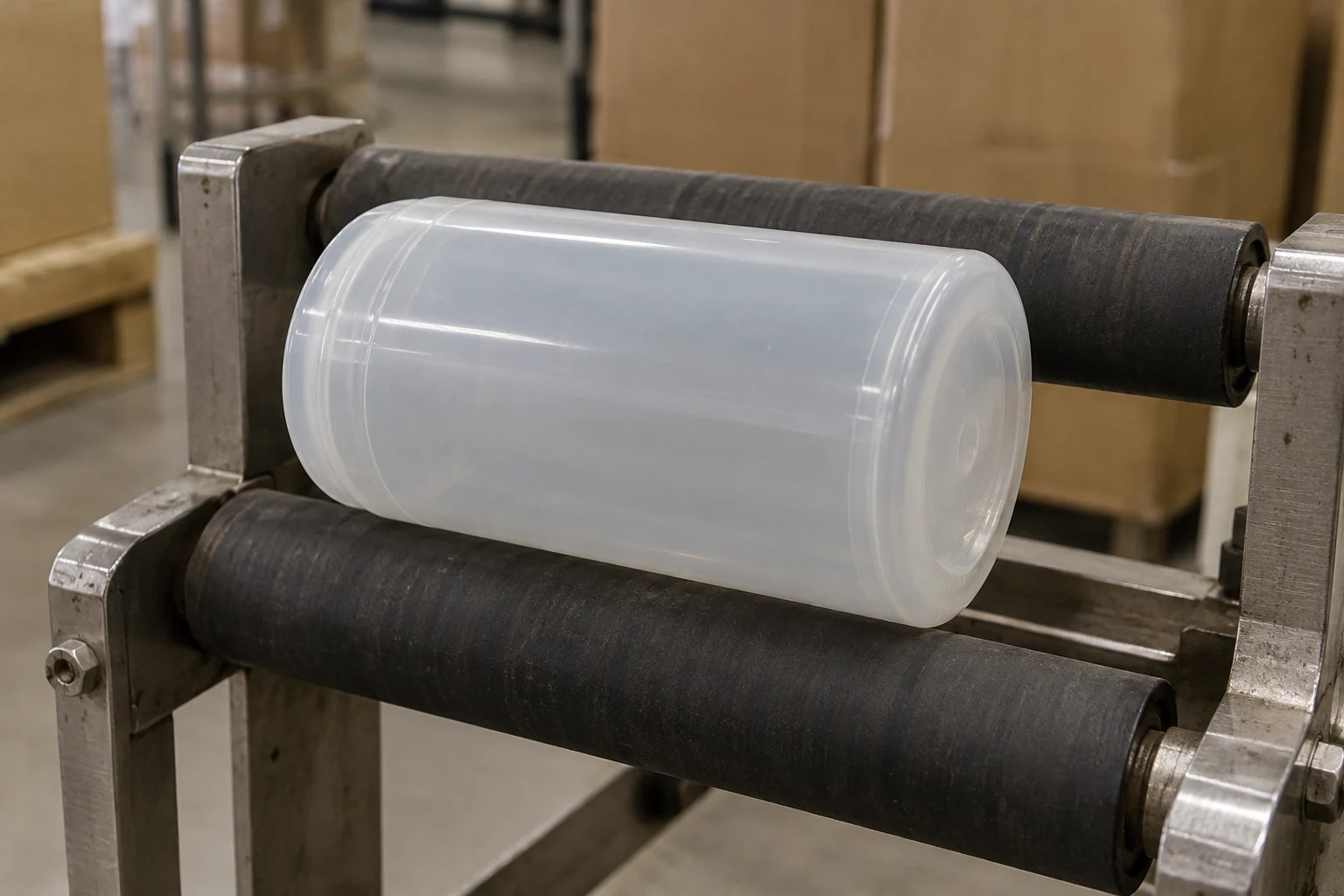
A cylindrical container can be supported and rotated; a pouch or flat carton needs a different presentation. Cleveland Equipment’s Bottle-Matic description describes inserting and removing cylindrical containers with guides. Its Flex-Matic description describes guiding and inserting flat products. These examples illustrate different handling tasks, rather than a recommendation of either model.
| Input | Check on the actual sample | Consequence for the trial |
|---|---|---|
| Package shape | Roundness, taper or flat application face | Select the appropriate support and presentation |
| Filled condition | Flexing, bulging and surface changes | Evaluate the package in its production state |
| Label stock | Liner, gap, opacity and unwind direction | Confirm detection and correct presentation |
| Placement reference | Defined edge, seam or feature | Measure against a repeatable datum |
| Artwork/job | Approved version and variable information | Keep identity separate from position |
Treat unusual shapes as a sample-evaluation task. A container that can physically fit a fixture may still move inconsistently.
Confirm stock sensing before production
The Cleveland product pages distinguish standard sensing for opaque labels from an optional arrangement for transparent stock. That is a useful reminder to confirm the exact configuration with the supplier. It does not establish a generic sensor setup for every machine. Peel-plate angle bands and the optical, capacitive, and ultrasonic split are in peel angle and clear-label sensing.
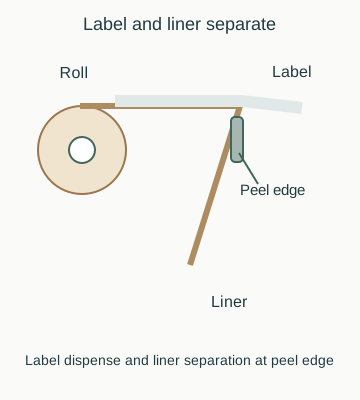
Keep the liner path and peel point tensioned as the manufacturer specifies, following the applicator manual for web threading, gap sensor calibration, and pressure-roller adjustment.
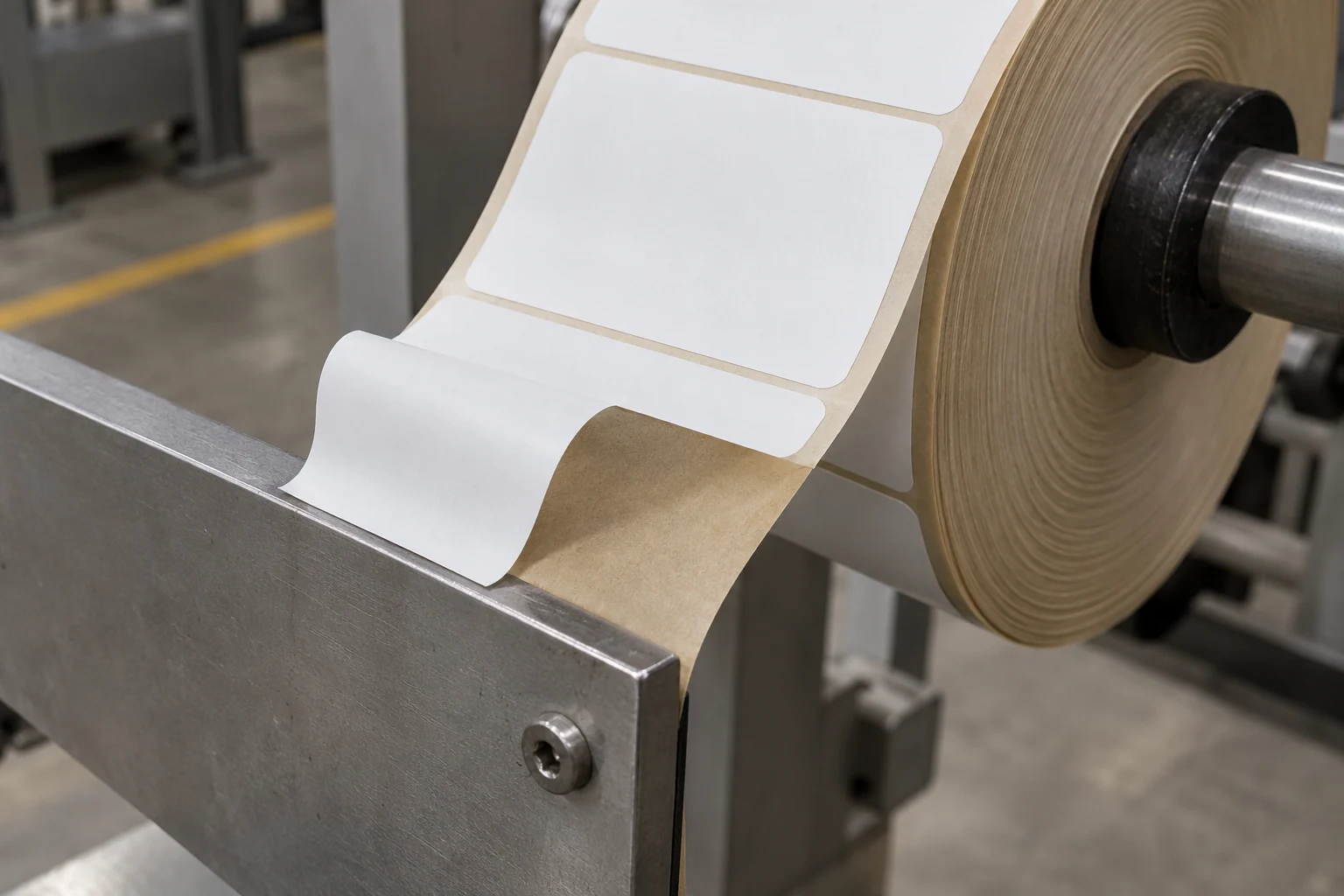
Bring the intended roll, not just a loose printed sample. Confirm label orientation, release behavior and compatibility with the sensing method. Record any special sensor or tooling required so the next job does not depend on an undocumented workaround.
Approve identity and placement separately
Compare the first applied label with the released artwork and job reference. Check the product identifier and any lot or variable information. Then examine placement, wrinkles, lifting and the visibility of required information against the product’s own acceptance criteria.
A scan that returns a code does not establish that the code belongs to this product. Record the expected value or controlled reference alongside the read result where scanning is part of the check. For a kit packed at the same bench, link the label decision to the kit release record.
Use this changeover record
| Stage | Record to retain |
|---|---|
| Previous-job clearance | Removed rolls, loose labels, product and printed samples |
| New-job identification | Product, artwork version, roll and lot where needed |
| Fixture/setup | Guide positions or approved setup reference |
| Trial pieces | Presentation issues and changes made |
| First-piece approval | Identity result, placement result and approving person |
| End of run | Accepted quantity, rejects and disposition of unused labels |
Clear rejected examples promptly and keep the approved reference identifiable. If replenishing the roll changes stock or settings, review which checks must be repeated under the site’s quality plan.
Measure the operator’s complete cycle
Include presenting the product, triggering or feeding, removing the item, checking and placing it in the outgoing position. Also log roll changes and time lost to adjustment. A supplier’s application motion is only part of this workflow. Use paid labor and accepted output when comparing an assist with hand application.
Sources and workstation scope
This guide draws on supplier documentation for flat and cylindrical applicators alongside small-batch line-clearance practices. Continue in labeling workstations for related setup and verification checks. Updated October 2026.