A manual label applicator needs a fixture that presents the package in a repeatable position: a round bottle must rotate consistently, while a flat box or pouch needs support and locating edges. A jig can reduce placement rework, but it cannot straighten a distorted package or correct artwork printed crooked relative to the label edge.
Choose the locating method around the surface receiving the label, then check placement against a defined product feature. Manual drive describes how motion is supplied; it does not mean every applicator supports every shape. Peel-plate angle and the clear-label sensor choice are in peel angle and clear-label sensing.
Compare the fixture’s job on each package
| Package and desktop fixture | What the fixture controls | What remains outside its control | Dominant Failure Mode & Prevention |
|---|---|---|---|
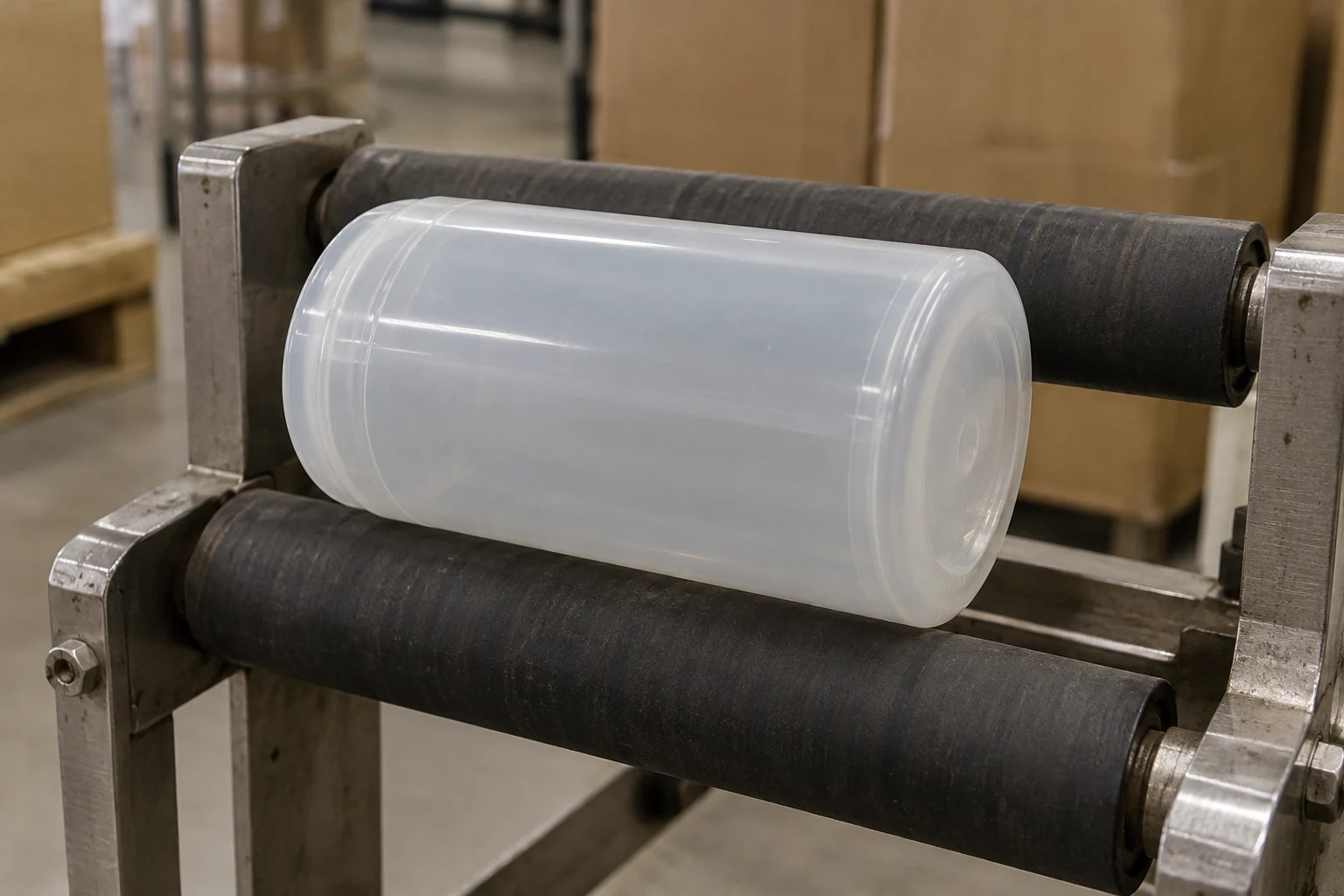
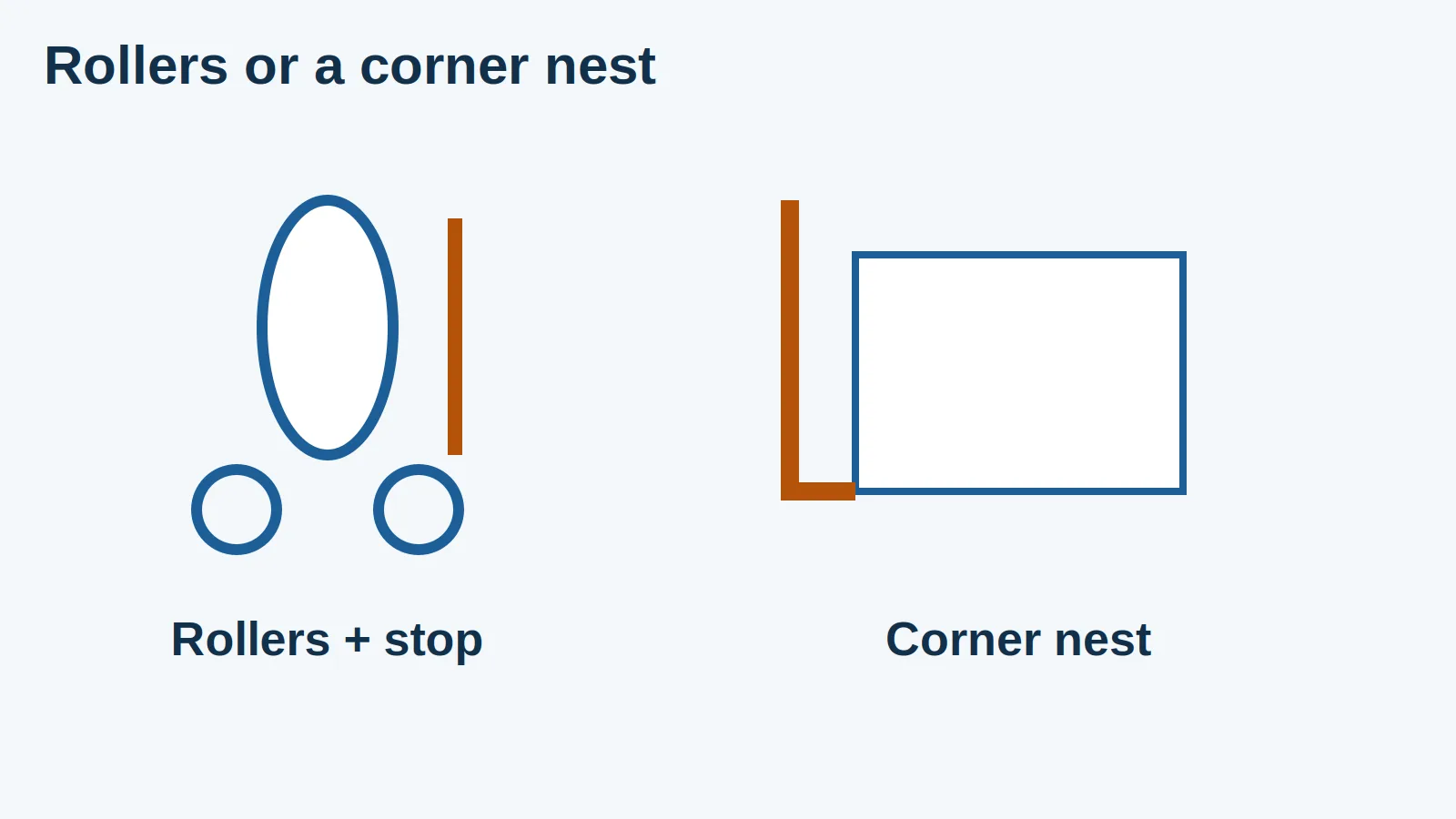
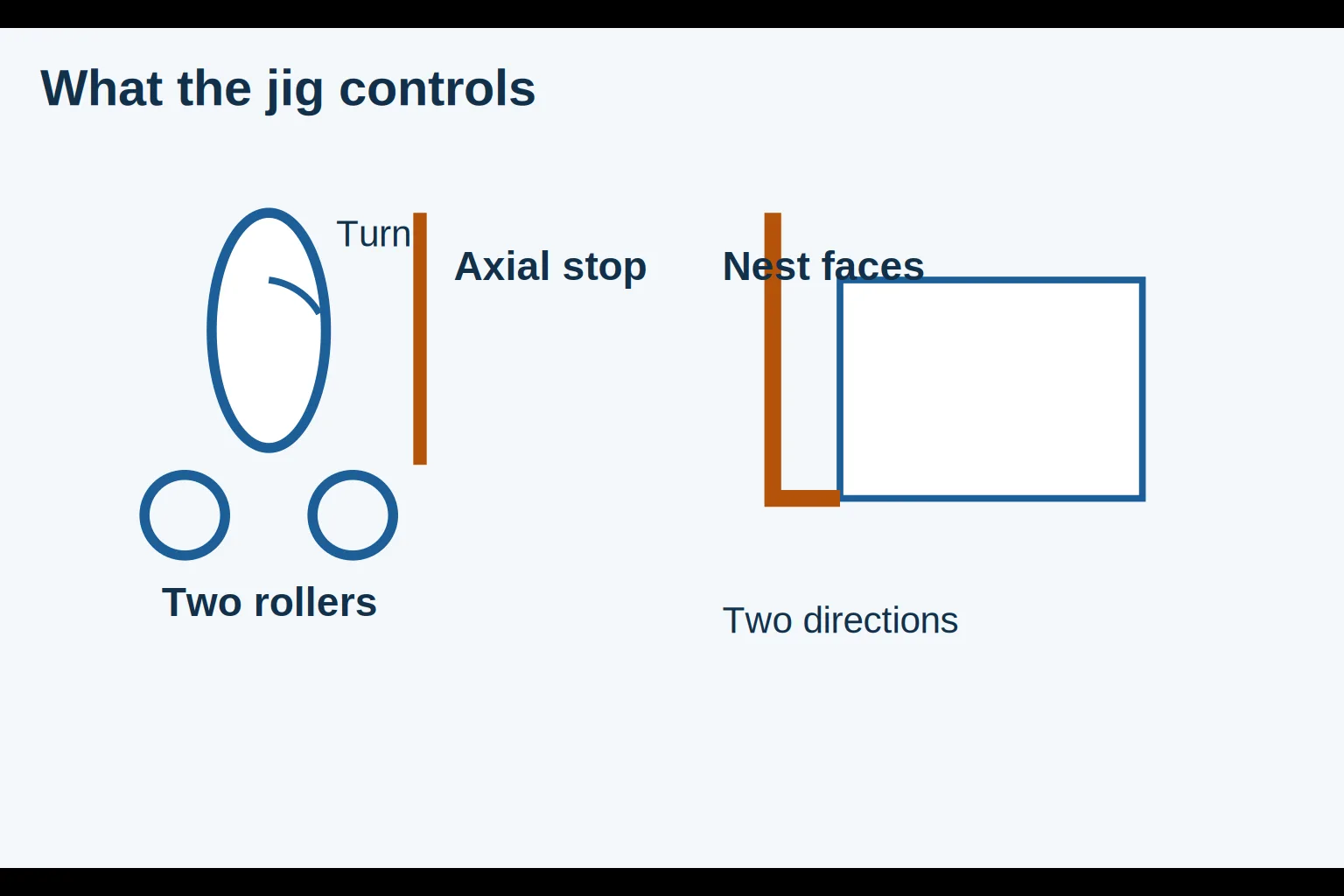
| Round bottle on aligned rollers with an axial stop | Support of the bottle’s rolling axis and position along that axis; an index can define a starting feature | Bottle taper, ovality, surface contamination and label-print alignment | Bottle walks or wraps obliquely; check stable support and repeatable rolling with the intended container. |
| Flat box in a supported corner nest | Lateral position and rotation in the plane of the labeling face | Bowed panels, out-of-square cartons and artwork relative to the die cut | Placement repeats from a poor datum; choose sound reference faces and inspect the application panel. |
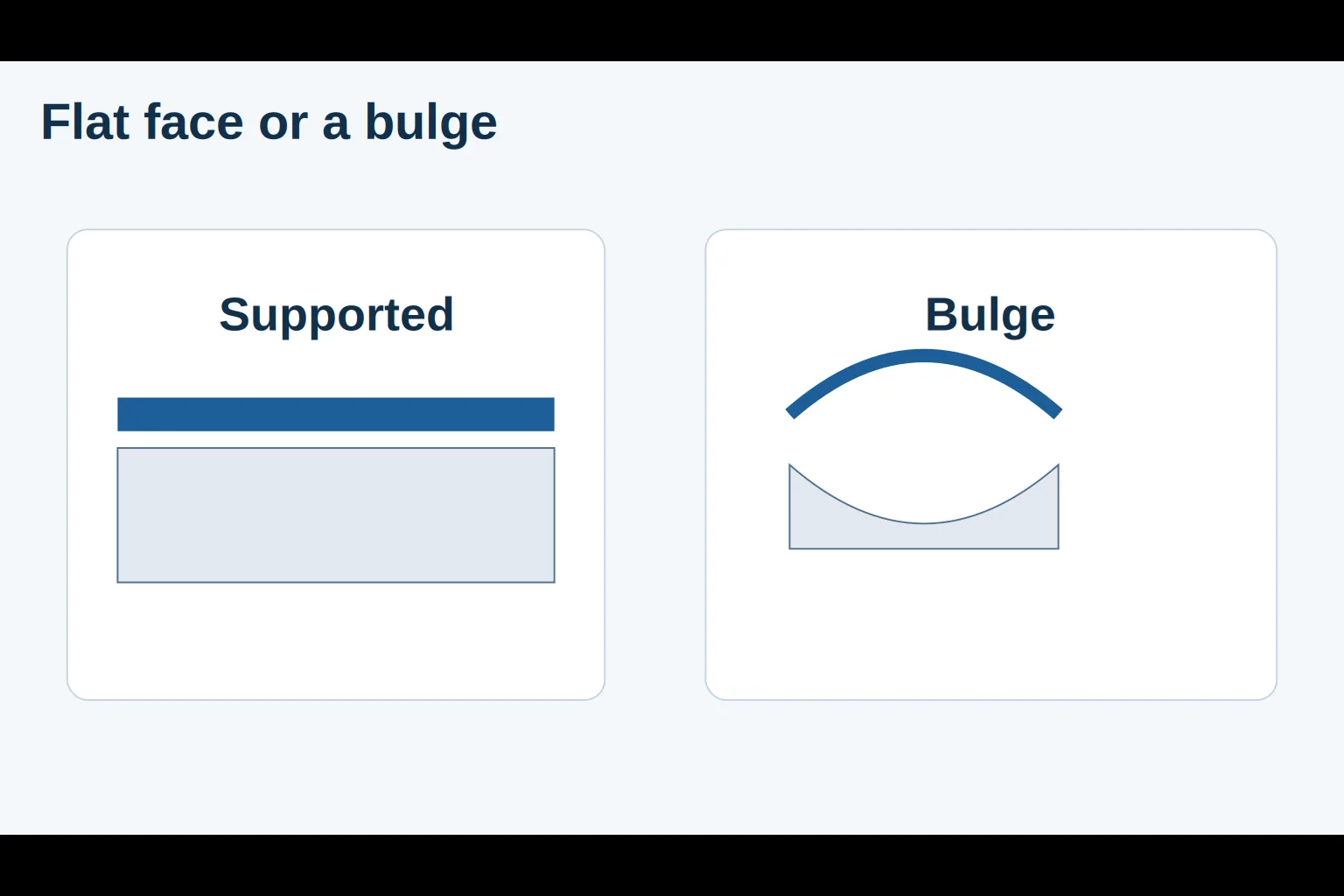
| Pouch on a supported bed with edge guides | Presentation of a selected edge and face in the chosen filled or unfilled state | Wrinkles, moving contents, bulging and inconsistent seams | Pouch moves or creases under application; support the actual pack state and keep the application zone flat. |
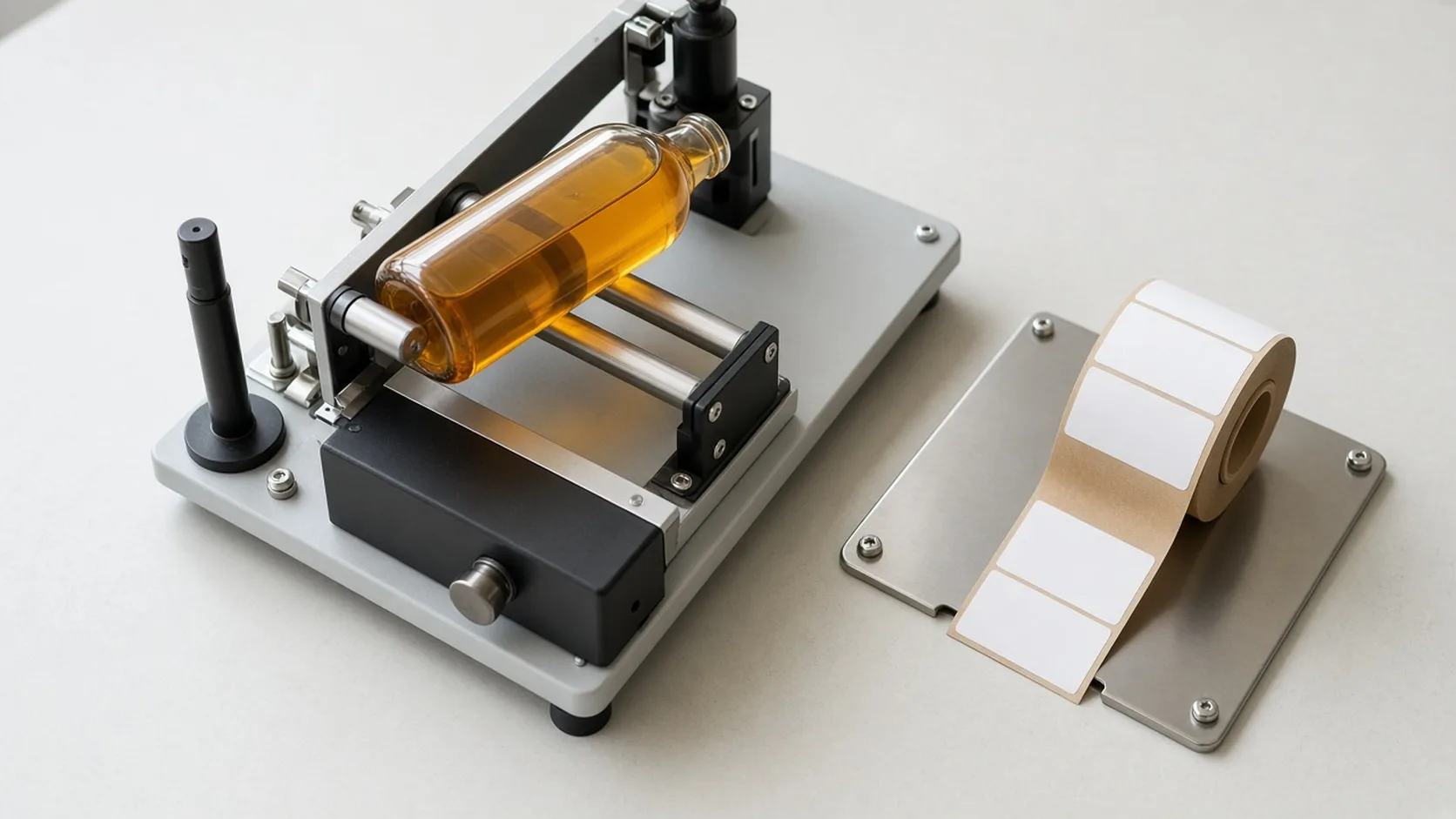
These are editorial fixture concepts, not a claim that one named machine includes all three arrangements. Great Engineering describes the BenchMATE+ as a manual applicator for round products. New Path describes the HT-20 as a tabletop, hand-powered tamp applicator for flat, oval and slightly curved products. They illustrate different motions rather than a performance ranking.
Round bottles need a stable axis and a repeatable start
A roller fixture allows the label to meet a moving cylindrical surface. The axial stop establishes the bottle’s position along its length; parallel support helps define the rolling axis. If label position must relate to a molded feature or existing print, a separate rotational reference is needed. A plain round wall does not identify its own starting angle.
Great Engineering lists a top roller assembly for adding pressure to light containers. That is a specific product feature, not evidence that every bottle jig needs the same attachment. Check the intended sample in the actual configuration rather than adding an improvised restraint around moving parts.
As a geometric inference, a tapered wall does not behave like a straight cylinder. Different circumferences along the label height can make a rectangular wrap difficult to lay down smoothly. A guide can repeat the starting position while the label still wrinkles. Check container and label geometry together instead of treating that result solely as operator error.
Flat boxes and pouches need a supported face
For a box, a corner nest can establish two perpendicular locating directions while the bed supports the labeling face. The reference edges must be repeatable features of the package; a crushed corner is a poor datum even if it fits firmly against a stop.
A flexible pouch adds another variable: its face changes with the contents and with how the operator lays it down. Decide whether the job labels an empty pouch or a filled pack, and assess that condition. Keep gussets, closures and uneven contents from becoming accidental supports underneath the label zone. A repeatable outline does not guarantee a flat application face.
The HT-20 page describes hand cranking the label forward, tamping it onto the product, and adjustable product guides. It also states that its tamp plate does not reach the label edges and that hand pressure can be needed to finish edge adhesion. Do not mistake repeatable location for complete edge contact. New Path also identifies label stiffness as a compatibility issue for its channel presentation method. These limitations belong to that design and should be checked against the exact stock.
Separate position error from skew with a simple measurement
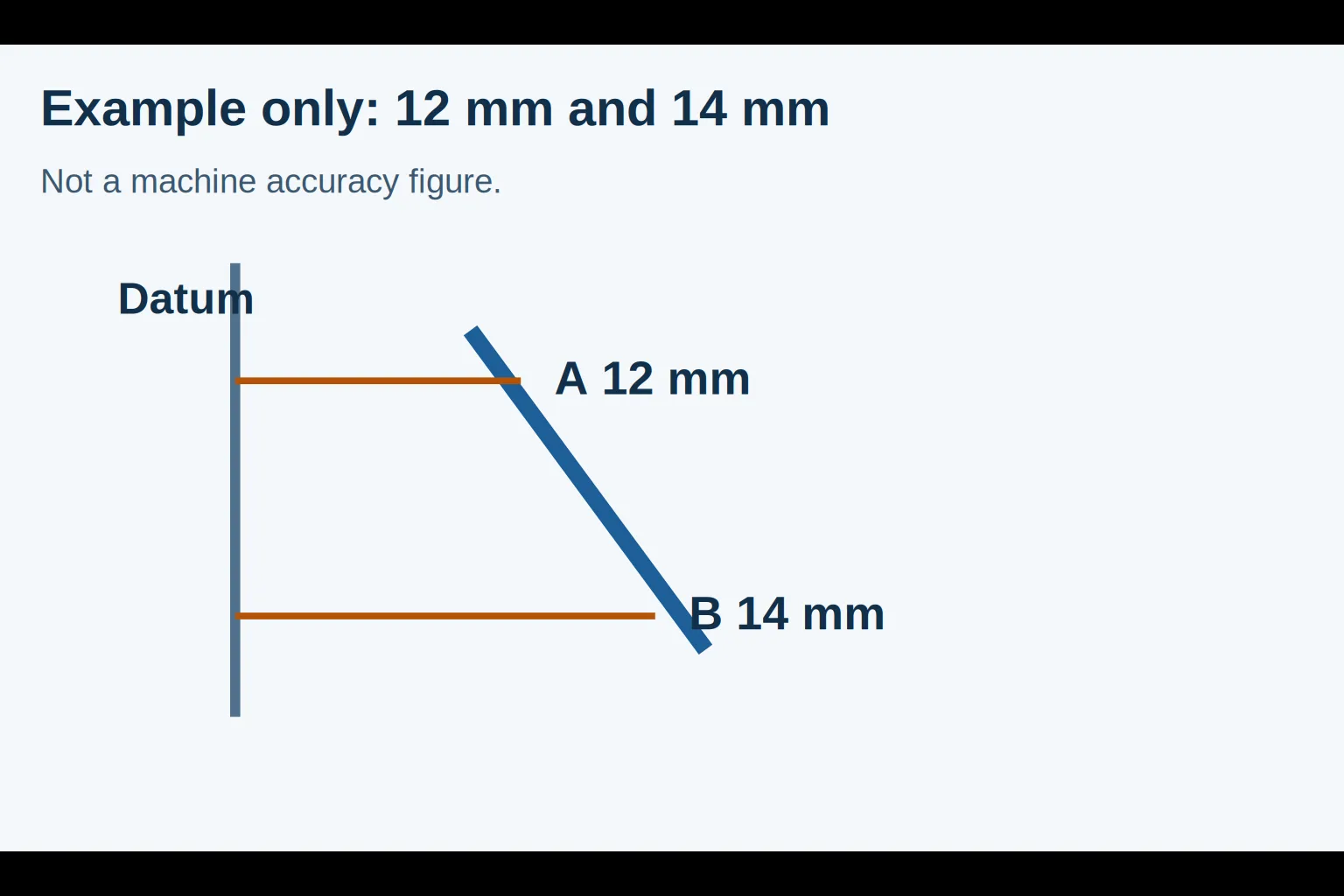
Choose an approved package edge as the datum. Measure the perpendicular distance from that datum to the same straight label edge at two separated points. The difference describes edge skew relative to the chosen datum; it does not measure every source of print or die-cut error.
Edge-skew difference = absolute value of (distance at point A − distance at point B).
Assumed example only: edge-skew difference = |12 mm − 14 mm| = 2 mm.
Those dimensions describe a hypothetical inspection, not a machine accuracy specification. If a fictional job allowed at most 1 mm difference, that example would fail its stated limit. The real job needs its own placement tolerance, measurement spacing and sound datum. An equal offset at both points indicates a location error that this difference alone would miss.
Know when the jig has reached its limit
If the package enters the nest differently each time, first check locating contact and support. If the applied label edge is consistent but its printed text appears tilted, inspect the unused label: the fixture aligns the supplied label, not the printing within it. If the container itself is distorted, repeating its position will repeat that distortion.
Threshold rule of thumb: if any trial piece exceeds the job’s placement tolerance, pause the run before adjusting for speed. This editorial rule uses the job’s own threshold and sets no universal applicator accuracy. Retain a sound placement reference so an adjustment has a defined target.
For artwork identity, line clearance and changeover documentation, use the existing semi-automatic labeling workstation guide. Its record applies to the wider workstation decision; this comparison focuses on what the desktop fixture physically controls. Continue through labeling workstations for the collection context.
Sources and scope
The linked manufacturer pages establish the two application approaches and the named product features discussed above. The nest concepts, geometry discussion, inspection example and stop rule are editorial guidance. This page reports no Possitivity trial, guaranteed placement accuracy or universal compatibility with a label material.