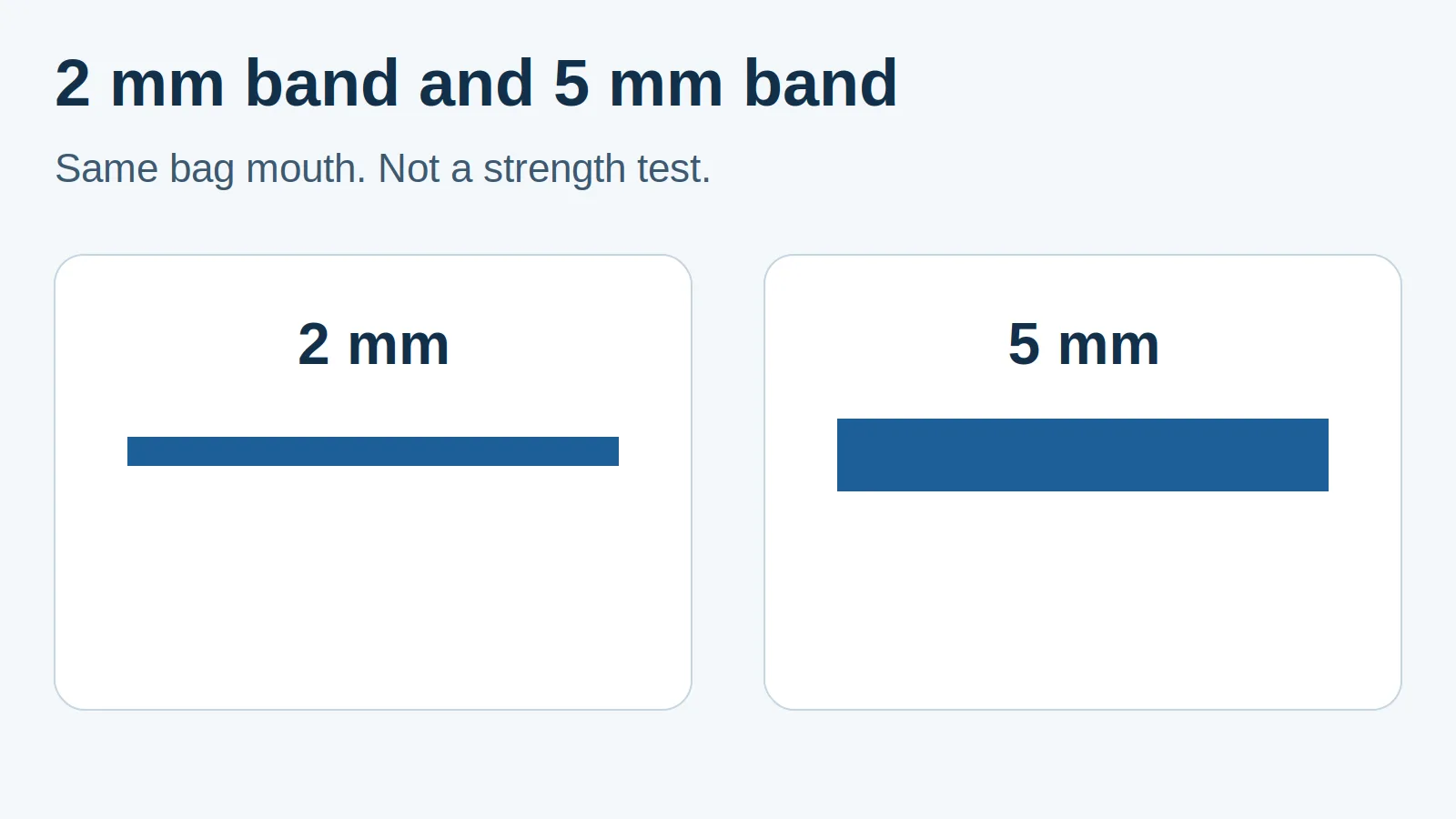
An impulse heat sealer with a wider flat wire makes a wider seal band, while the heat timer controls the heating interval. Releasing the jaws before the seal cools can damage an otherwise usable seal; increasing heat time does not replace cooling under pressure.
For small batches, choose an approved sealer configuration for the actual film, then establish heating and cooling separately. Width alone does not establish seal strength, leak resistance or compatibility with a pouch laminate.
Compare width and timing before changing a setting
| Choice or control | What it changes | What it does not establish | Dominant Failure Mode & Prevention |
|---|---|---|---|
| 2 mm flat-wire seal band | A narrower bonded strip across the bag mouth | That every thin-looking bag is compatible | An interrupted strip leaves a path across the seal; flatten the mouth and inspect the whole band. |
| 5 mm flat-wire seal band | A wider bonded strip that needs space clear of contents and folds | A guaranteed strength increase or a transferable timer setting | A fold or trapped product can still cross the band; keep the sealing zone clear and qualify the actual pack. |
| Heat timer | Duration of the powered heating phase on the referenced impulse sealer | A measured jaw temperature or cooling interval | Excess heating damages film; follow the model’s setup instructions and inspect trial seals. |
| Cool/hold interval | Time held closed after heating stops | That an unheated or contaminated joint has bonded | Early release distorts the hot joint; retain pressure for the required cooling phase. |
The widths above are documented options, not measurements made by Possitivity. AIE lists 2 mm and 5 mm seal widths. Sealer Sales explains that flat element width defines the seal band, and distinguishes flat elements from round cut-and-seal wire.
What a wider flat wire changes at the bench
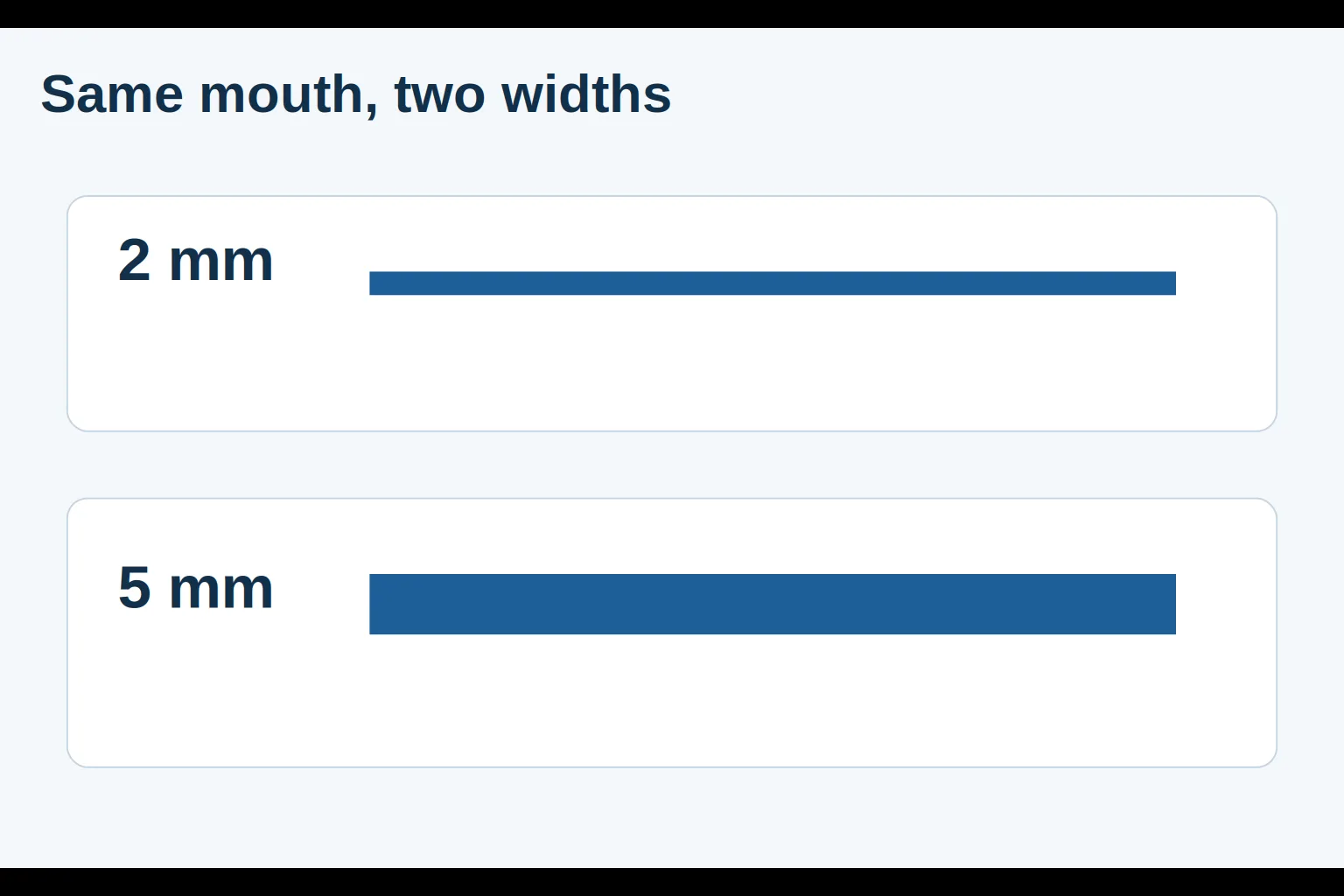
Seal width runs from the inner edge of the bonded strip to its outer edge. Seal length runs across the bag mouth. A wider band does not make a short jaw span a wider bag, and the wire is only one part of the machine configuration.
As a geometric comparison, the wider strip occupies more film at the same seal length. That observation supports checking available headspace and band continuity; it does not support multiplying strength or changing heating time by a width ratio. A fold, dirty area or uneven contact can defeat either width.
Treat a change from a narrow element to a wider one as a machine-compatibility question. Confirm the exact replacement part and approved configuration before considering an element change. The AIE manual lists model-specific elements and electrical parts; a matching physical length alone is insufficient evidence of interchangeability. Follow its isolation and service instructions for maintenance.
Heat time, cooling time and dwell are different labels
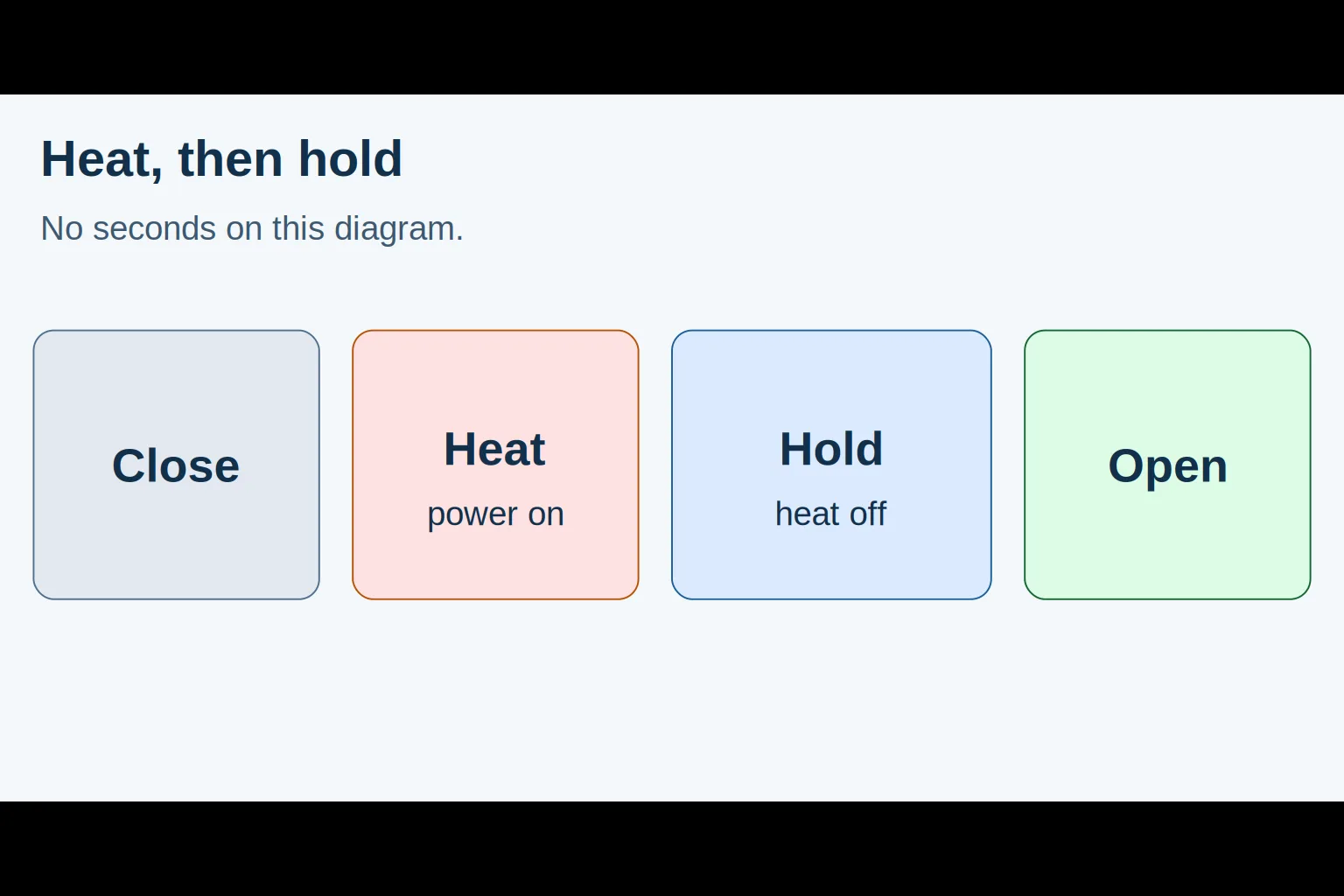
The AIE instruction manual, page 2, describes a numbered timer scale and advises using the lowest setting that seals the bag. It then calls for continued pressure after the light goes out, for approximately the heating interval, to let the seal congeal. This is guidance for that equipment, not a universal cooling ratio.
A dial number is not a value in seconds unless the particular manual says so. Nor does a timer setting give the film interface temperature. Avoid copying a knob position between machines or materials.
The word “dwell” needs a definition in the setup note. It can refer to the complete closed-jaw interval or only one phase of it. Write “powered heating” and “closed-jaw cooling after heat off” separately so a second operator knows what to reproduce.
Estimate the complete cycle with planning inputs
For a simple sequential bench cycle, use this planning formula:
Cycle time = handling time + powered heat time + cooling hold time.
Worked planning example: cycle time = 3 s + 1 s + 1 s = 5 s per bag.
These intervals represent bench planning inputs rather than AIE dial settings or measured throughput for a specific film. The example places handling outside the closed-jaw phases and excludes interruptions. Measure actual handling, required heating, cooling, inspection and replenishment before estimating accepted output. The small-batch packaging collection explains why whole-job work belongs in the comparison.
Find the cause before adding more heat
Start with the specified film, its actual layer arrangement and the manufacturer’s compatible setup. Compare trial pieces after the prescribed cooling phase. Keep the bag mouth flat and clear, and inspect the sealing surface and covering according to the manual before treating every defect as insufficient heat.
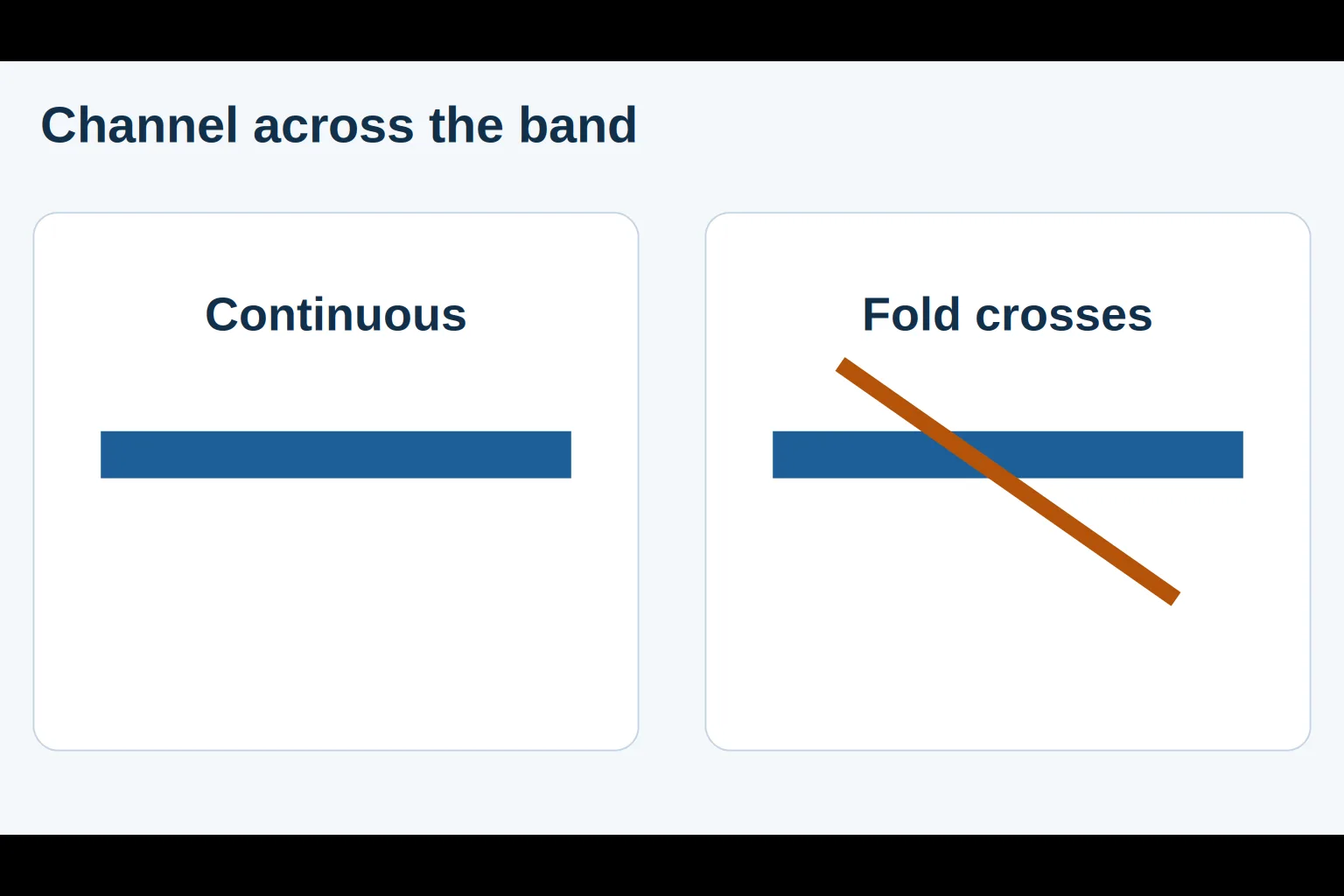
A channel through the band points toward a continuity problem. A sticking or distorted joint calls for checking cooling and heating separately. The AIE manual specifically associates sticking to the rubber with insufficient congealing time. Visual appearance remains a screening check: a smooth strip alone does not demonstrate the package’s required strength or leak performance.
Threshold rule of thumb: if even one trial seal has a visible open channel across the band, stop and correct the setup before releasing the batch. This is an editorial stop rule, not a sampling plan or a validated seal acceptance standard. Apply the product’s established package checks before release.
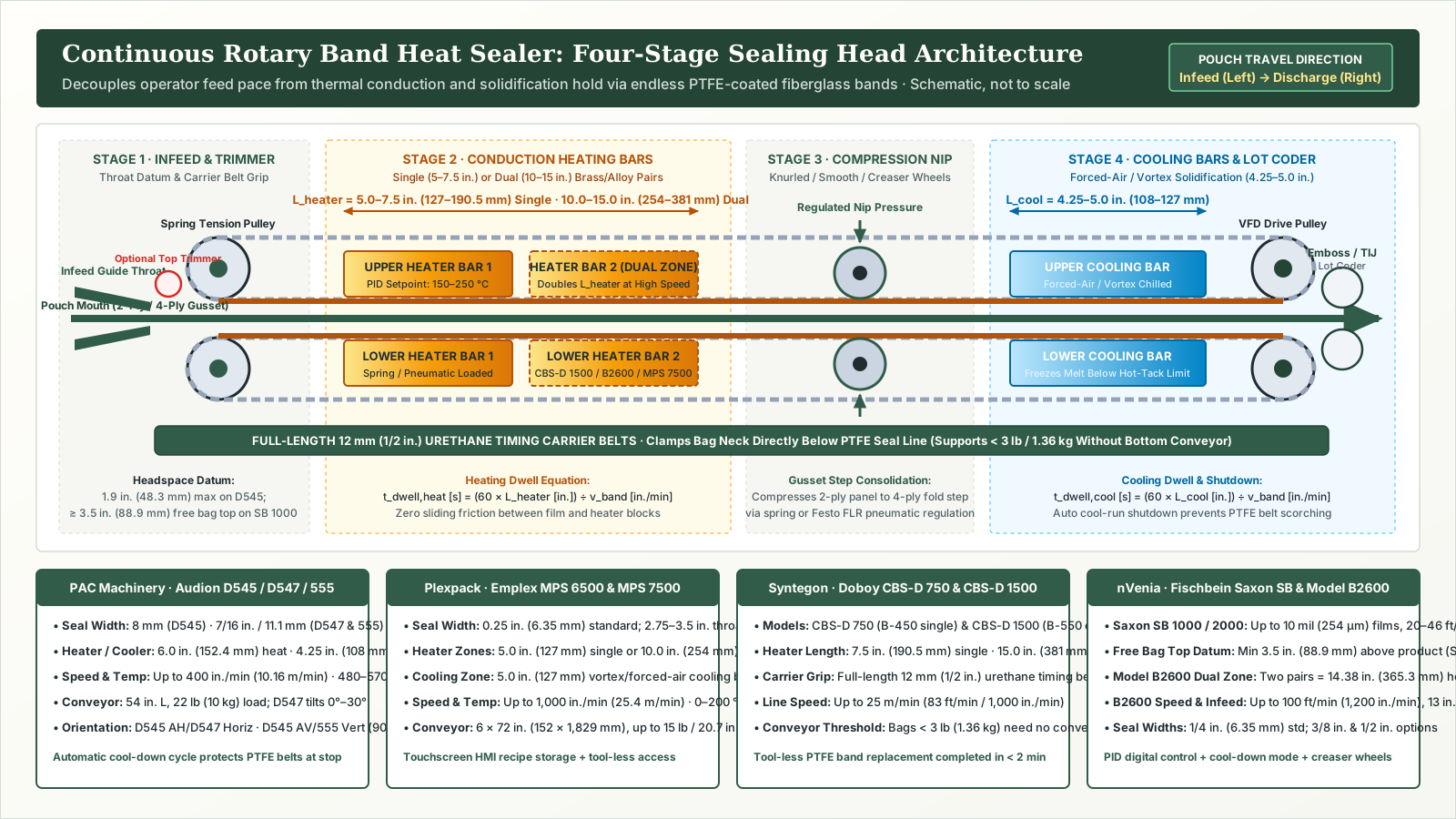
Keep the resulting setup note compact: film identity and layer arrangement, machine and approved element, timer position, separately defined cooling hold, and trial-check outcome. When batch sizes grow large enough that stationary closed-jaw heating and cooling hold intervals bottleneck the bench, compare a continuous band sealer machine setup that moves the pouch through heated and cooled bars on PTFE bands. For handling the parts before sealing, continue with small-parts bagging.
Sources and scope
This comparison documents public equipment descriptions and proposes a bench decision sequence. It reports no Possitivity equipment trial and supplies no universal film temperature, heating duration or seal-strength rating. The AIE web page and PDF differ on some unrelated model specifications; those figures are excluded. Use the exact machine documentation and package requirements to establish operating settings.